AI in digital marketing: what actually works right now
Where AI genuinely saves marketers time on real client work, and where it quietly makes things worse.
Read article →
This AI tools roadmap takes you from typing your first prompt to running real marketing work with AI, one stage at a time. You will learn prompting, research and writing with ChatGPT, Claude and Gemini, AI images and video, AI inside ad platforms and analytics, simple automation, and the most valuable skill of all: knowing when AI output is good enough to publish. Every stage has a free tool, a small project and a rough time guide.
AI tools are not a separate job for most people. They are a layer on top of marketing work, and this roadmap is part of our complete digital marketing roadmap.
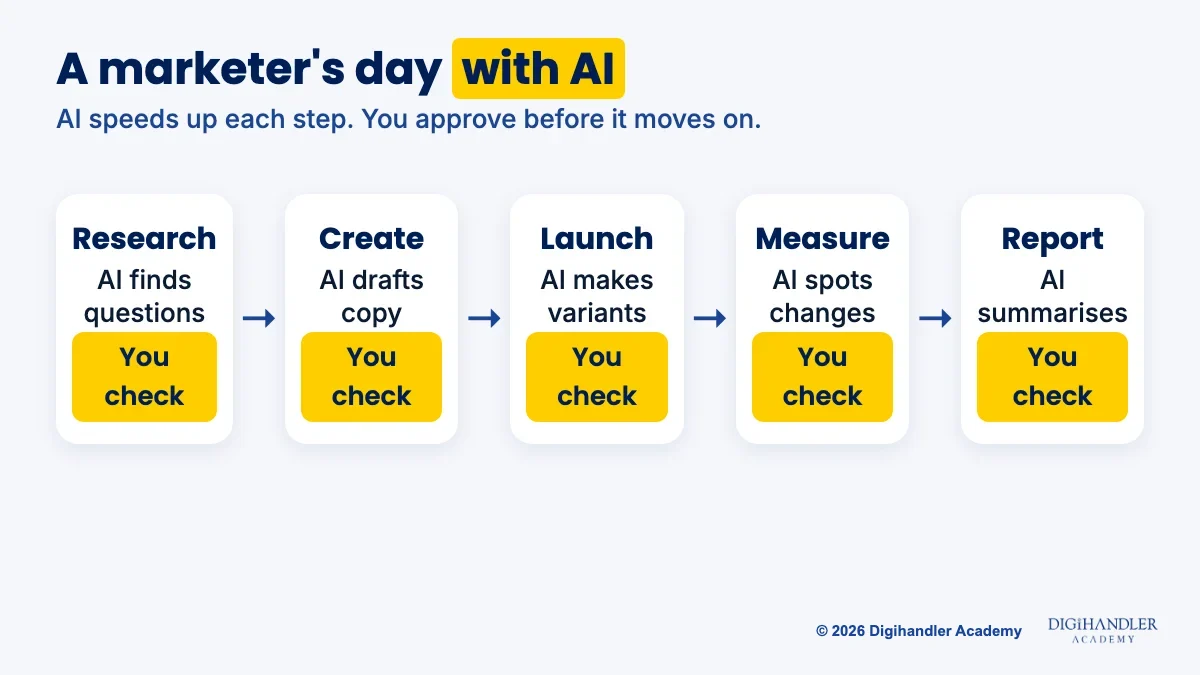
Think of AI as a very fast junior assistant. It drafts and suggests in seconds. You decide what is true, what fits the brand and what goes live.
Agencies, small businesses, D2C brands, creators and freelancers all need this. On a normal day you might research a topic, draft ad headlines, make image options, cut a reel and summarise last week's numbers, with AI helping each step.
For where AI really saves time and where it falls flat, read our guide to AI in digital marketing.
Follow the stages in order. The weeks assume 1 to 2 hours of practice a day, so treat them as a guide, not a promise. Most people finish in four to five months.
A prompt is simply the message you type to an AI tool. Most bad output comes from vague prompts, not bad tools.
A strong marketing prompt has four parts: who it is for, the task, context the AI cannot guess, and the answer format. Paste this into any assistant:
You are helping a small coaching institute in Rohtak.
Task: write 5 Instagram caption ideas for our new weekend batch.
Context: students are 18-24, budget-conscious, want jobs.
Format: numbered list, each under 25 words, one clear call to action.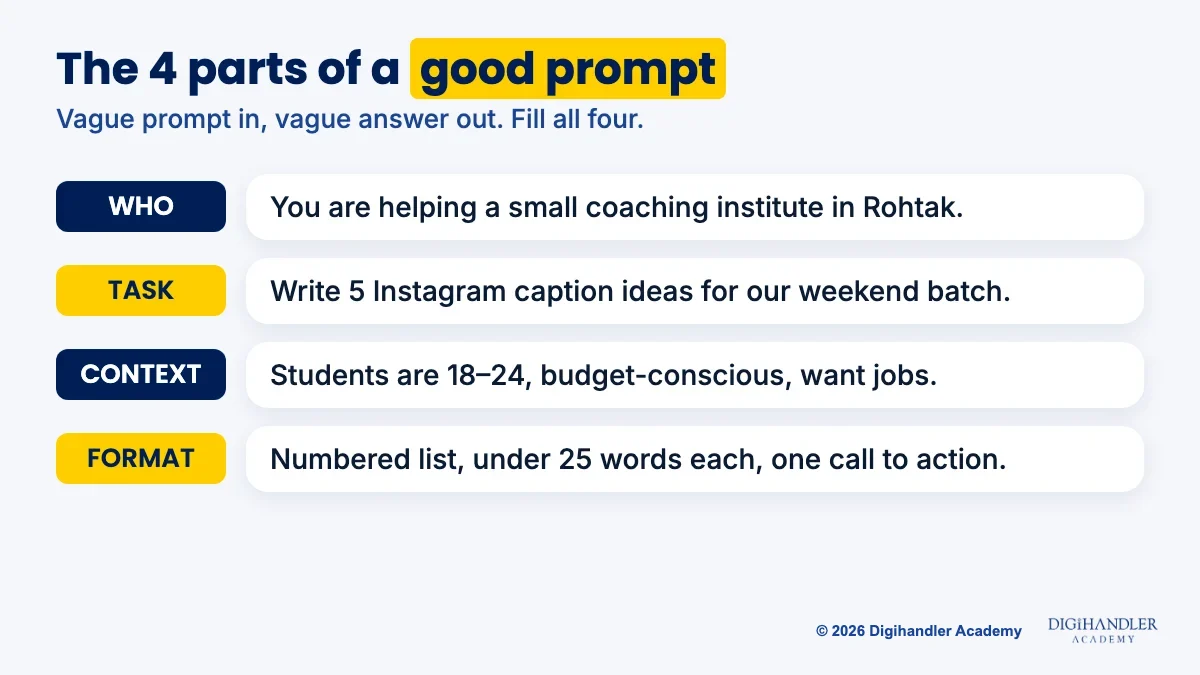
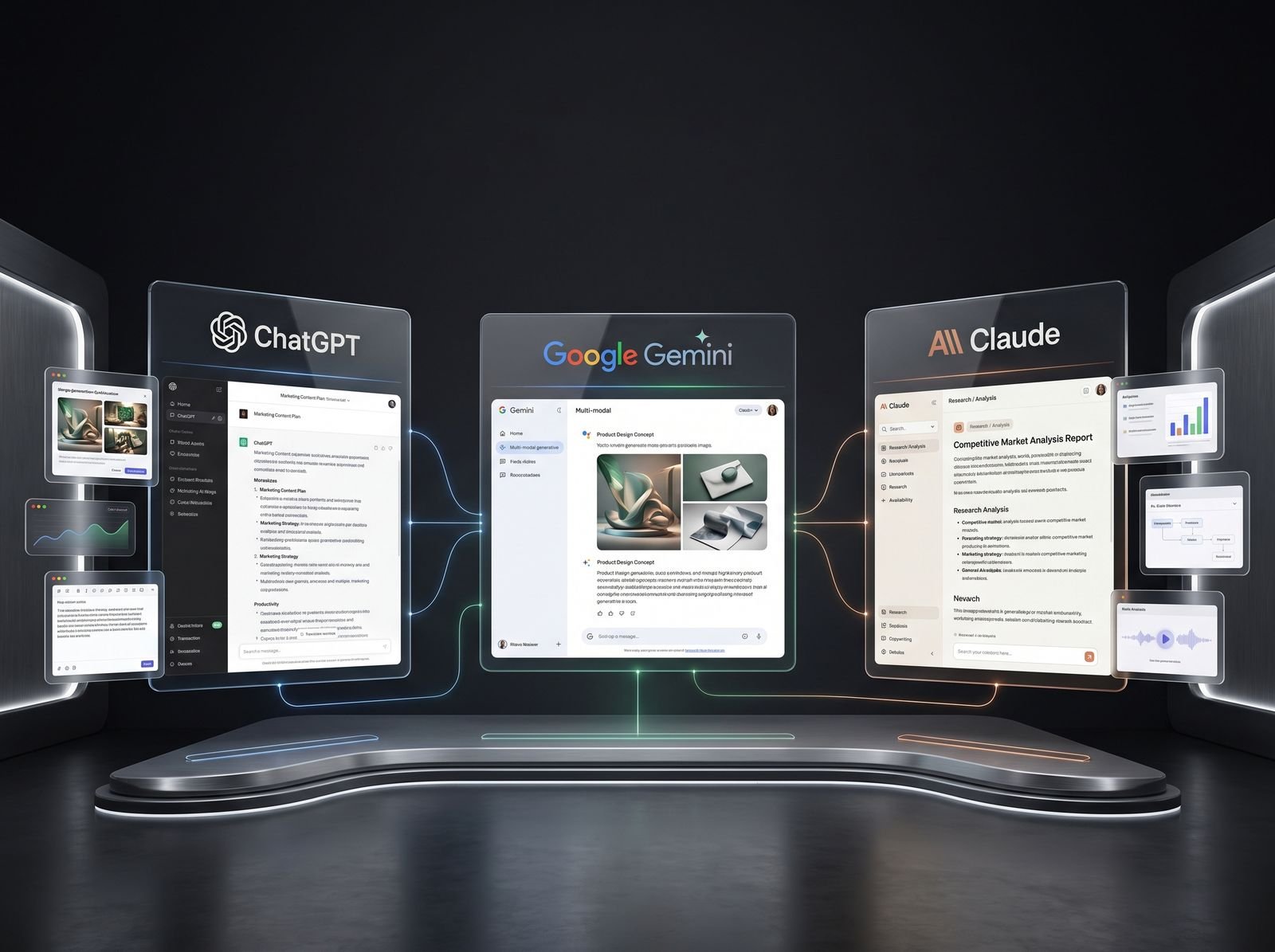
All three have free plans. ChatGPT Free includes text chats plus limited uploads, image creation and deep research. Claude Free can search the web, create files and remember past chats. Gemini Free includes Deep Research and image generation.
Use them as a research partner and first-draft writer. Ask for an outline, customer questions or a content brief, then rewrite the draft in your own words. For research from your own files, Gemini Notebook (formerly NotebookLM) answers questions about sources you upload.
Once a prompt works, save it. Claude can store a repeatable process as a skill, like a recipe card it pulls out only when needed. See what Claude skills are.
Mini-project: give one research brief to all three, compare the answers, then write a one-page blog brief for a real local business.
For images, practise in the free Gemini app or ChatGPT's limited free image creation, then finish the design in Canva Free with the brand's colours, logo and a short headline. A raw AI image is rarely a finished ad.
Mini-project for stage 3: five ad creatives for one offer in one brand style. Our graphic design roadmap covers the layout basics.
For video, CapCut is blocked in India, so practise in Instagram's free Edits app or the free version of DaVinci Resolve. ElevenLabs Free gives 10,000 credits a month for voiceovers, but its commercial licence starts on the paid Starter plan, so keep free voices for practice.
Mini-project for stage 4: a 30-second reel where AI helps with script, captions and voiceover, and you do the final edit.
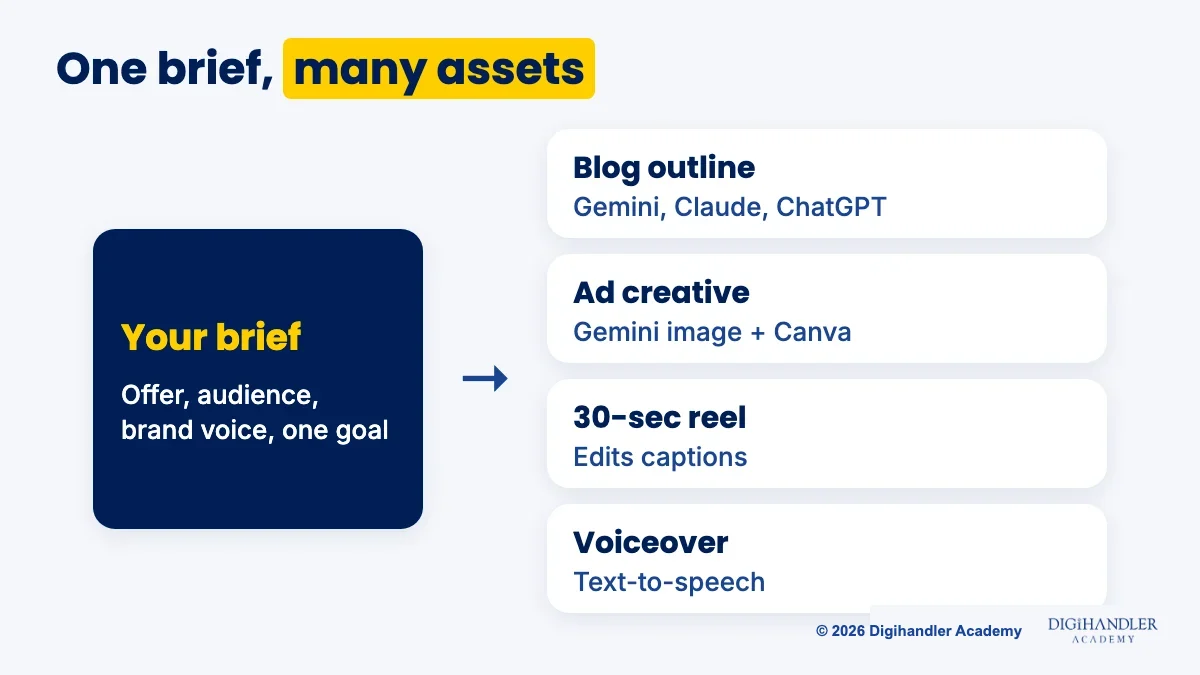
Ad platforms now build AI into the account. Google Ads Performance Max can generate headlines, descriptions and images from your website. Meta's Advantage+ creative makes text and image variations in Ads Manager, which you can preview or switch off. Google says AI-generated assets are not guaranteed to pass policy review, so check everything.
Mini-project for stage 5: have an assistant draft 15 headlines for a Google responsive search ad, then trim each to the 30-character limit and each description to 90.
For analytics, open the free Google Analytics demo account (Google Merchandise Store data). It can show AI-generated insights that summarise big changes. You can also paste a small, non-private table into an assistant and ask what changed.
Mini-project for stage 6: a one-page monthly report in plain English with three numbers and three next actions. We teach both stages on live campaigns in our AI tools module.
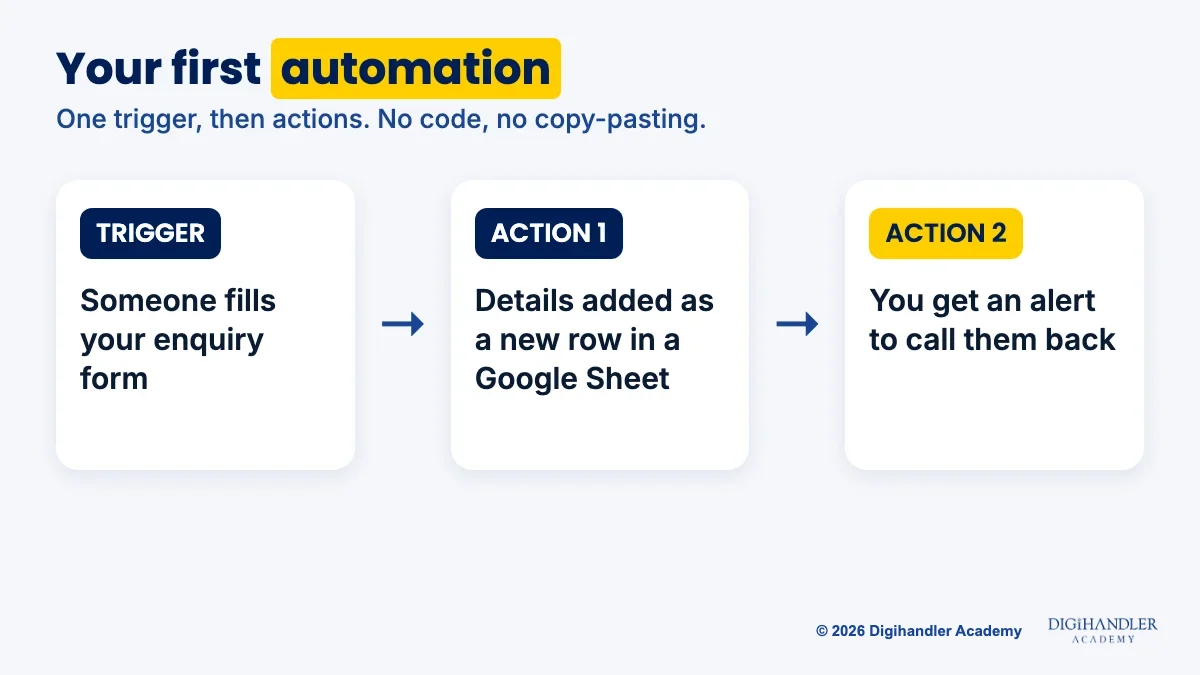
Automation means one app does a job the moment something happens in another app. Every automation has a trigger (what happens) and actions (what follows).
Zapier Free gives 100 tasks a month with two-step workflows, and Make Free gives 1,000 credits a month. Both are enough to learn. A simple first workflow:
This stage makes you worth hiring. AI can sound confident and still be wrong. Before anything goes live, check:
Start free. Upgrade only when a tool becomes part of paid work.
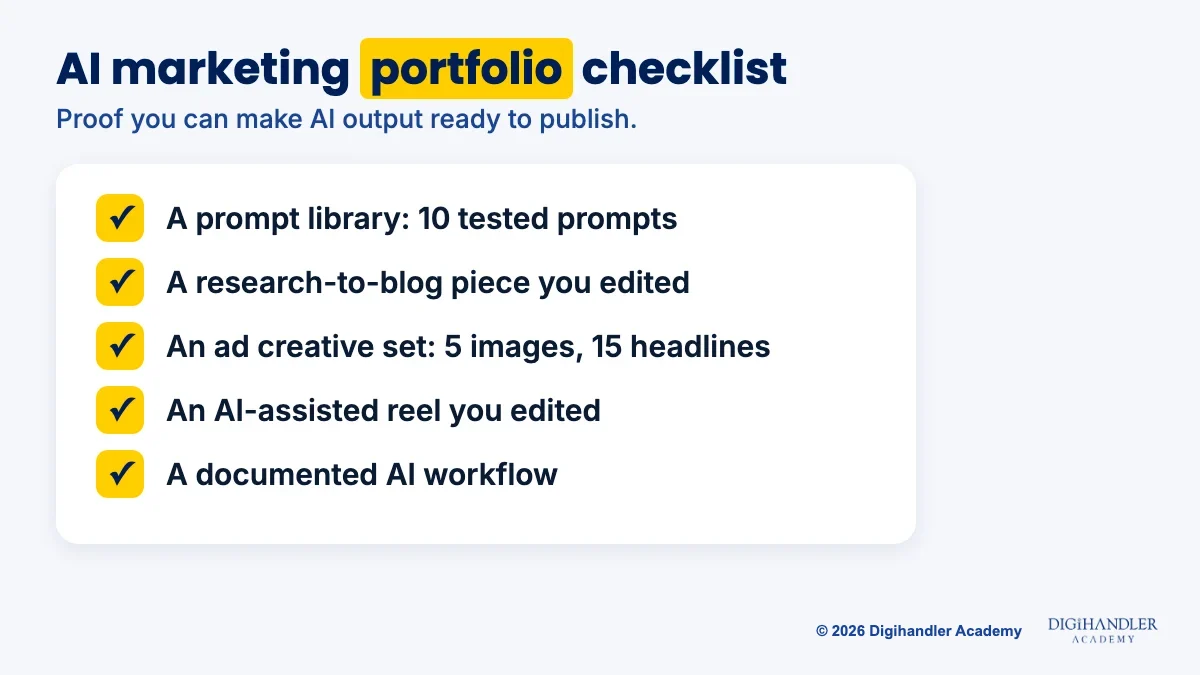
Employers want proof you can turn AI output into work that is ready to publish. Build these:
Yes. Here is the ₹0 path. Subscribe to the Digihandler Academy YouTube channel and follow @digihandler.academy on Instagram, the academy's free channels for lessons and tips. Turn on notifications, save posts that match your stage and practise along each week.
Add free official courses. Anthropic's AI Fluency: Framework & Foundations is free and covers prompting and safe use. OpenAI Academy has courses and recorded events, and Google Skillshop covers Google Ads and Analytics.
Keep a weekly rhythm: learn on Monday, do the mini-project through the week, post your result on Sunday. Pair it with one core skill, such as our content marketing roadmap, so AI has real work to speed up.
Self-study is slow because nobody tells you which AI output is client-ready and which needs rewriting. Our trainers check exactly that, every week, on your work.
Our AI-powered digital marketing course has 44 modules over 6 months: 5 months of practical learning and 1 month of professional training. AI runs through all of it, from ChatGPT workflows to Canva AI, Ideogram, AI video, AI SEO and automation, applied to real campaigns. Your first deliverable in the AI tools module is a working AI workflow for a real task, with the human checkpoints marked.
You also get a fixed weekly schedule, a batch to learn with, live client projects, internship experience and placement assistance (resume, LinkedIn, mock interviews), though the offer always depends on your interview. You finish with a certificate from our ISO 9001 certified academy, which has trained 300+ students.
Study at our Rohtak campus or join the live online batch, after 3 days of free demo classes before you pay anything.

Riya writes Digihandler Academy's guides and roadmaps. Every article is fact-checked and reviewed by Lovish Madaan, founder & trainer, who has run the Digihandler agency since 2018. More from Riya →
With 1 to 2 hours of practice a day, most beginners can work through the eight stages of this AI tools roadmap in about four to five months. Prompting basics take a week or two. Research, images, video, ads, analytics and automation take two to three weeks each. Checking AI output is a habit you keep forever. The pace depends on how much you practise on real tasks, so finish each mini-project before moving on rather than racing through tutorials.
No. Every tool in this roadmap works through a normal web page or app. You type instructions in everyday language, click buttons and edit results. Automation tools such as Zapier and Make use drag-and-drop steps instead of code. Coding can help later if you want to build custom tools, but marketers who use AI well are mostly good at clear instructions, sound judgement and checking facts, not programming. Start with prompting and build from there.
Start with one general assistant, such as ChatGPT, Claude or Gemini, because all three have free plans and handle research, writing and ideas. Add Canva Free for design and Edits or DaVinci Resolve for video. There is no single best tool. Each has strengths, and they change often, so test the same task in two or three assistants and keep the one that gives you the most usable result. Learn the method, prompting and checking, and switching tools becomes easy.
AI already handles many shallow tasks, such as first drafts, image variations and quick summaries. What it cannot do is take responsibility for results. A business still needs someone who understands its customers, chooses the strategy, checks facts and decides what goes live. Marketers who use AI well can deliver more work in less time, which makes them more useful, not less. The marketers most at risk are those who refuse to learn the tools or who publish AI output without checking it.
Yes. ChatGPT, Claude, Gemini, Canva, Zapier and Make all have free plans, and Edits and DaVinci Resolve are free for video, which is enough to practise every stage of this roadmap. For lessons, follow Digihandler Academy's free YouTube channel and Instagram, and add free official courses such as Anthropic's AI Fluency course, OpenAI Academy and Google Skillshop. The free path is slower because nobody reviews your work, so share your mini-projects publicly and ask for honest feedback from working marketers.
Where AI genuinely saves marketers time on real client work, and where it quietly makes things worse.
Read article →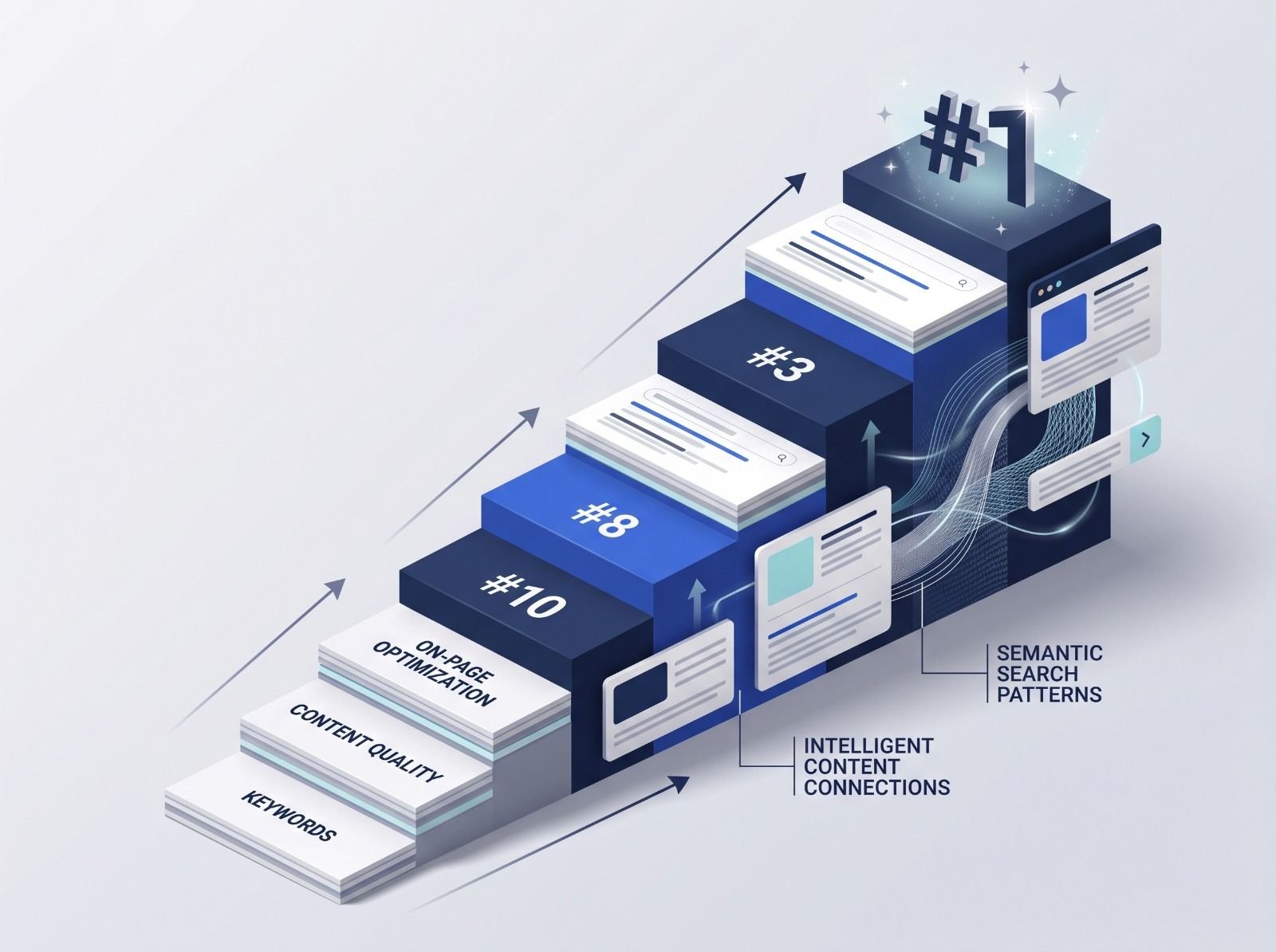
What decides whether an AI assistant quotes your page, and the fixes worth doing first.
Read article →