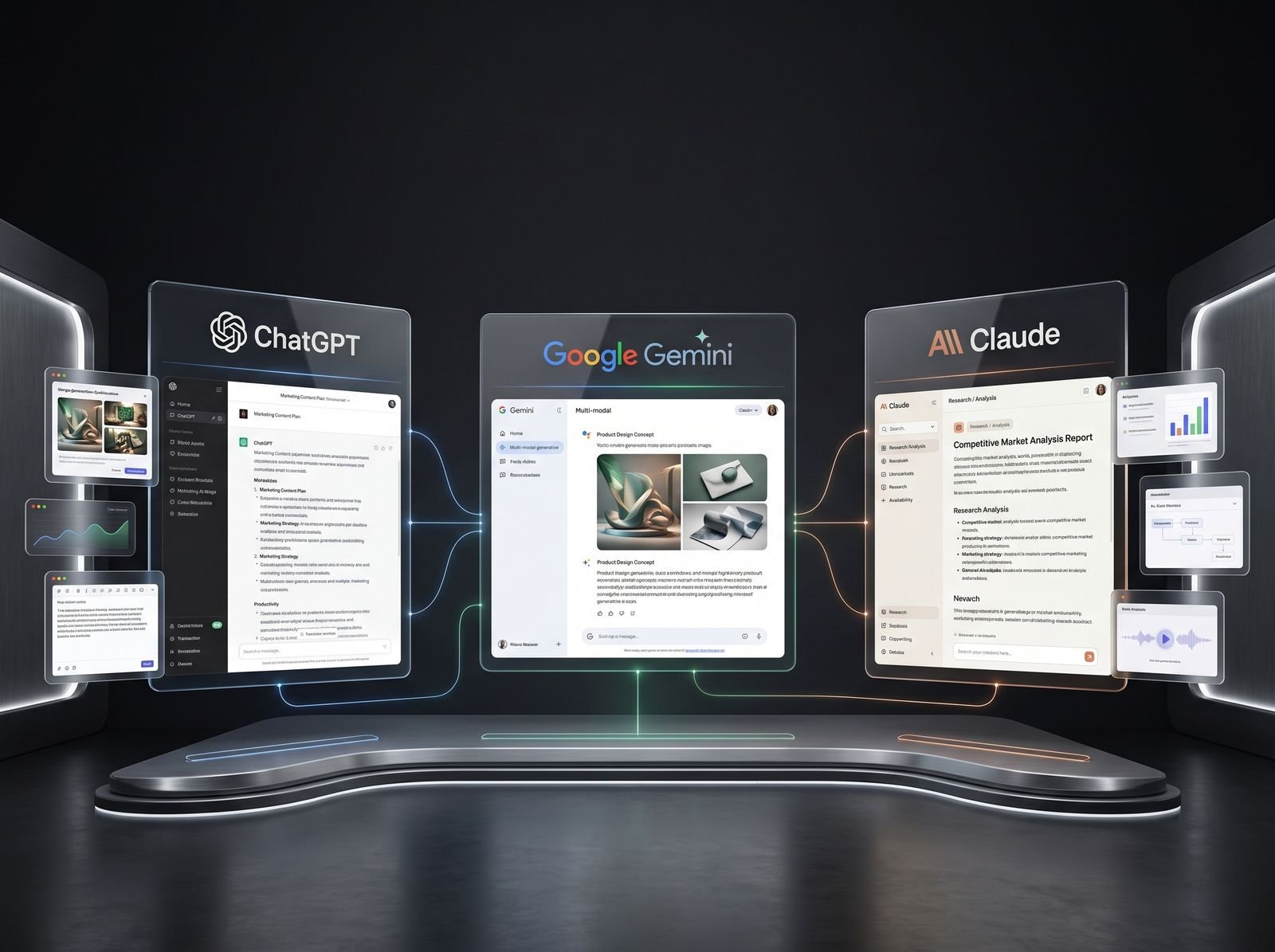
AI in digital marketing: what actually works right now
Where AI genuinely saves marketers time on real client work, and where it quietly makes things worse.
Read article →
Wondering how to learn AI when every week brings a new tool? Do not chase tools. Learn AI step by step, in stages, like climbing stairs. This roadmap shows the seven stages, the skills and a practice task for each, free official resources, and a month-by-month plan for students and working people in India.
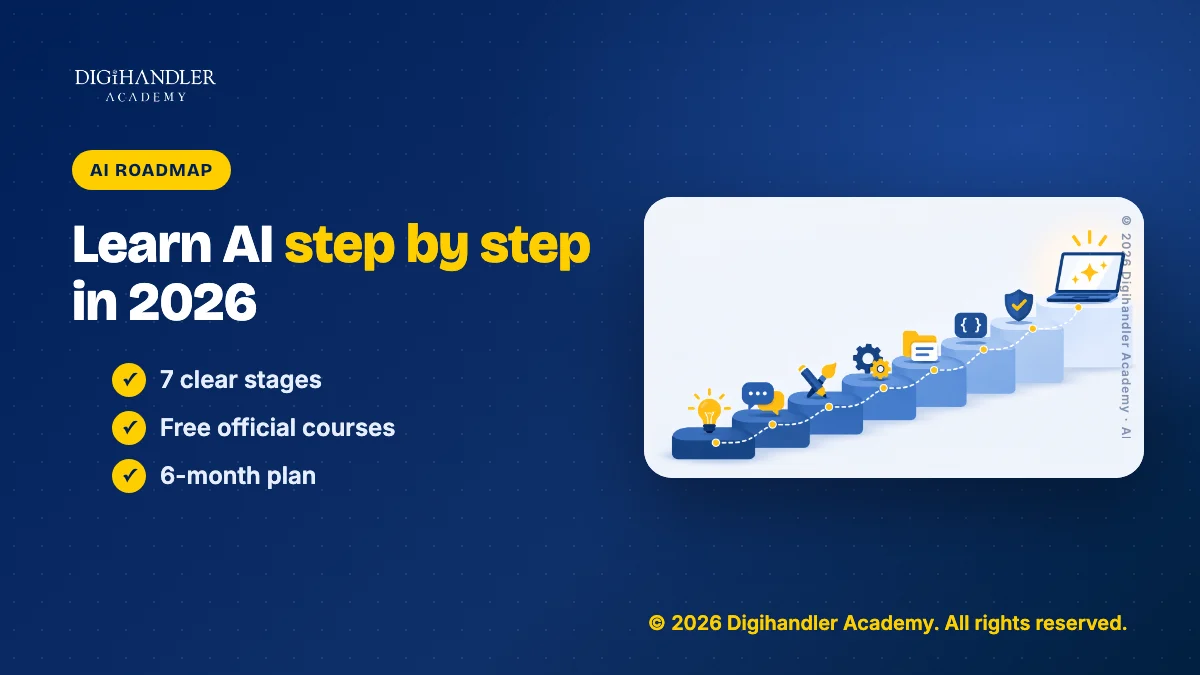
You learn AI in seven stages. First, understand what AI is and where it fails. Then learn to give it clear instructions. Then use it for real work, connect tools so work runs on its own, and set up reusable assistants. Coders can add Python and APIs. Responsible use runs through every stage.
Each stage below gives you the skills, one practice task, free resources from official sources, and a time estimate. The times assume about one hour a day. Treat them as a plan, not a rule.
If you mainly want the list of tools for marketing work, we already cover that in our AI tools roadmap for marketers. This guide is wider. It is about learning AI itself, for any job.
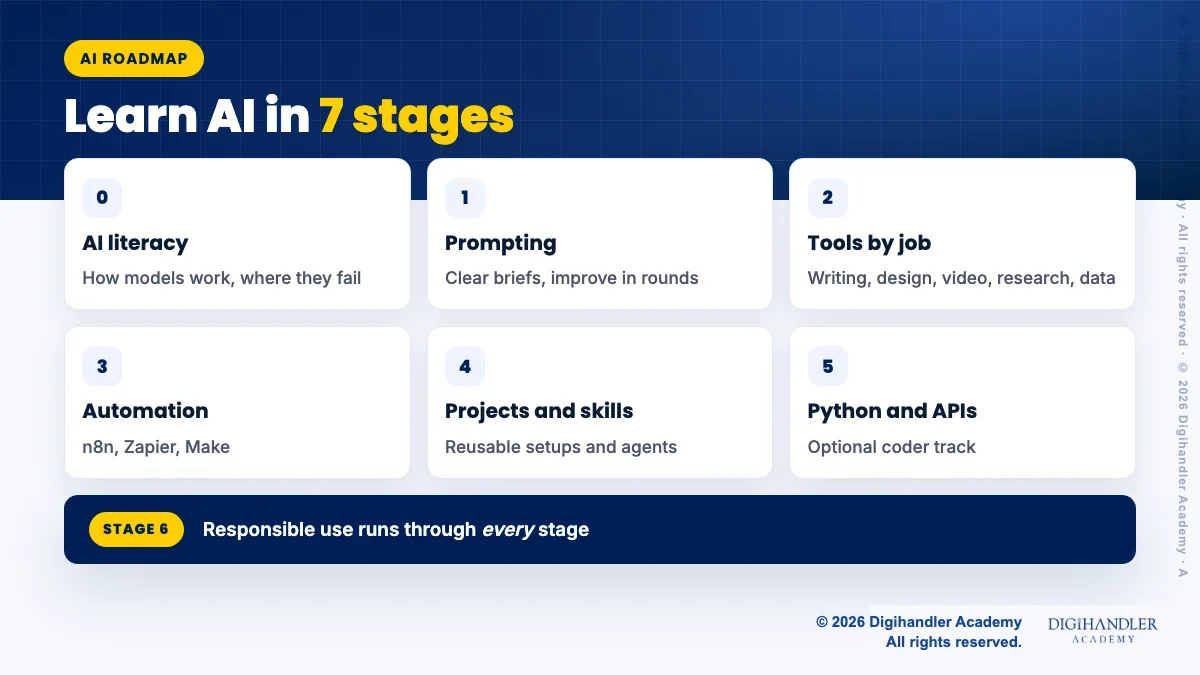
Start with AI literacy. A large language model (LLM), like Claude, ChatGPT or Gemini, learns patterns from huge amounts of text. When you type, it predicts a likely next piece of text, again and again. Image and video models work in a similar way with pictures and frames.
This explains the biggest limit. A model can sound confident and still be wrong. It can invent a statistic, a quote or a link. This is called a hallucination. Anthropic's own documentation says techniques can reduce hallucinations but cannot remove them fully.
So think of AI as a very fast, very well-read intern. Useful, tireless, and in need of checking.
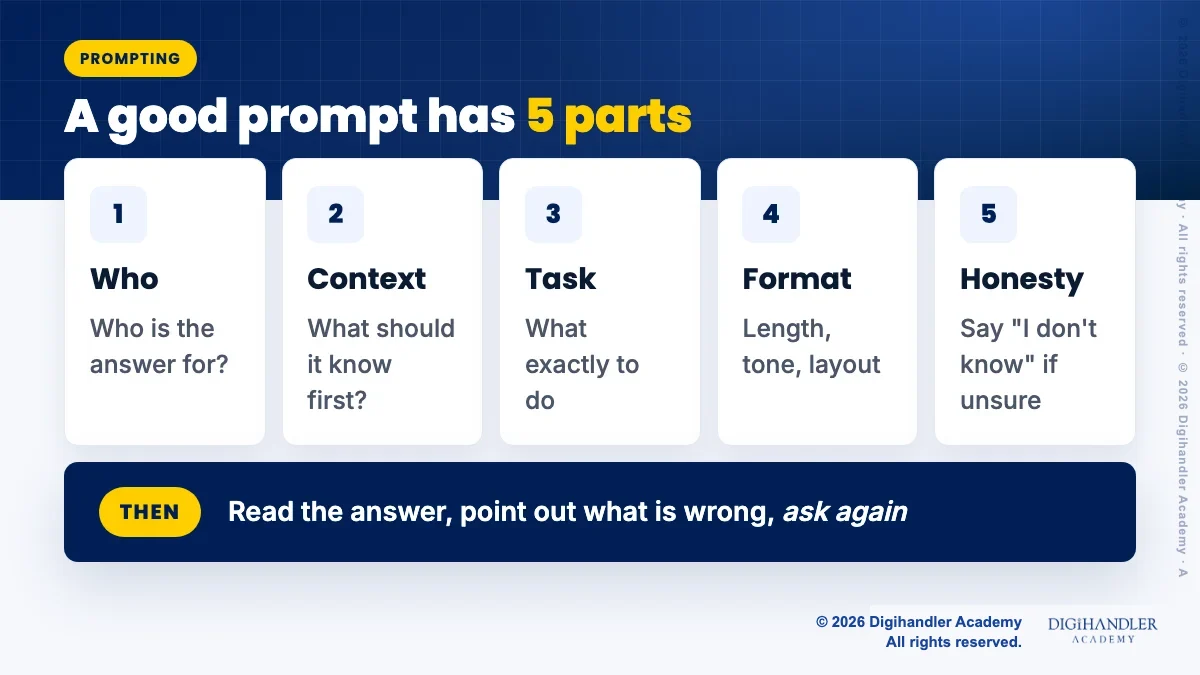
A prompt is your instruction. Good prompts read like a brief to a new colleague. Say who the answer is for, give the context, state the task, ask for a format, and ask the model to say "I don't know" when it is unsure.
Then improve in rounds. Read the answer, point out what is wrong, and ask again. Prompting is a conversation, not a magic sentence. Our guide to prompt engineering for marketers has ready examples.
Pick tools by the work you do, not by hype. Choose one or two areas and go deep. Learning ten tools a little is less useful than doing real work with two.
Automation means work that runs on its own. Think of a row of dominoes. A new form entry arrives, AI drafts a reply, and the reply lands in a Google Sheet for you to approve.
Three tools are popular. Zapier and Make are easy and have free plans with monthly limits (Zapier's free plan gives 100 tasks a month, Make's gives 1,000 credits a month, as their pricing pages show today). n8n gives you more control and can be self-hosted. Note that n8n uses its own "Sustainable Use License", not a standard open-source licence, so read it before using it for client work. Our n8n automation guide for beginners shows a first workflow.
These three ideas turn AI from a chat into a work setup.
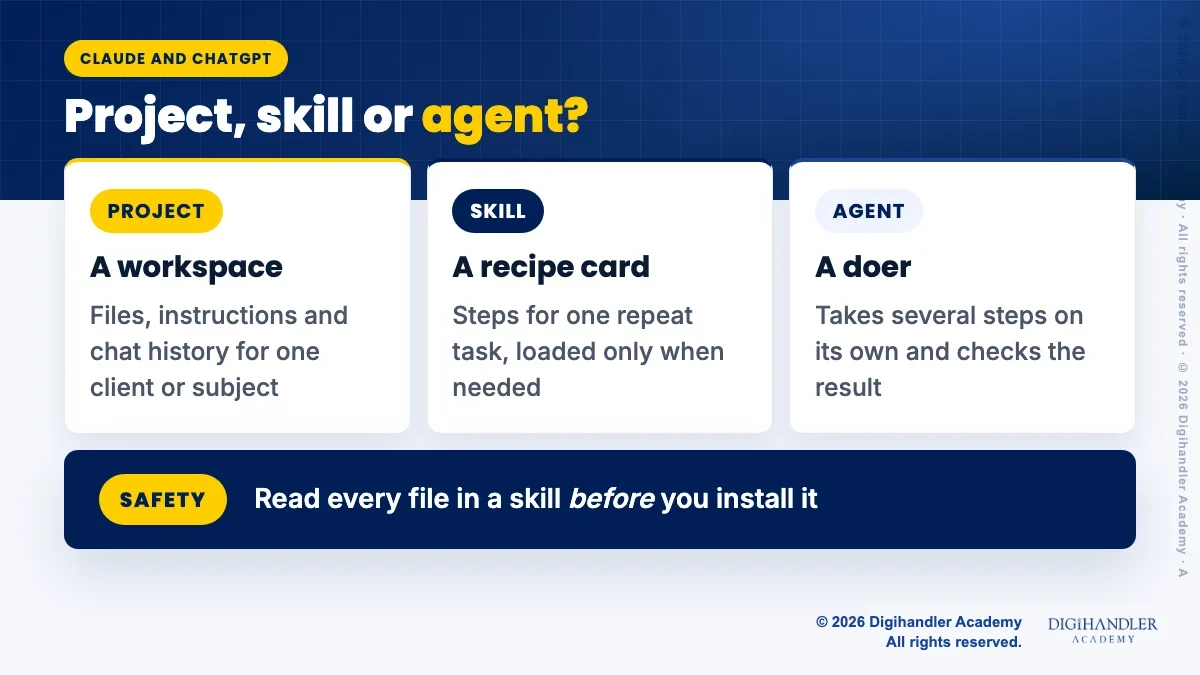
A Project is a workspace with its own files, instructions and chat history. Claude's help centre says free accounts can create up to five Projects. ChatGPT has a similar Projects feature.
A skill is a folder of instructions, and sometimes scripts, that Claude loads when a task matches. Think of it as a recipe card it pulls out only when needed. Uploading custom skills in the Claude app needs a paid plan. Read what Claude skills are and our list of the best Claude skills on GitHub.
An agent is AI that takes several steps on its own, like reading files, running a command and checking the result. Claude Code is one example, and Claude Code for marketers shows safe, non-developer uses.
Safety first. Anthropic's docs warn that a skill can run code, so only use skills from sources you trust, and read every file before installing.
No. You can do useful AI work without coding. But if you enjoy logic, a little Python opens a lot of doors. You can call an AI model from your own script, process 500 files at once, or build a small tool for your team.
Keep it small. You are not training models here. You are learning to use them through code.
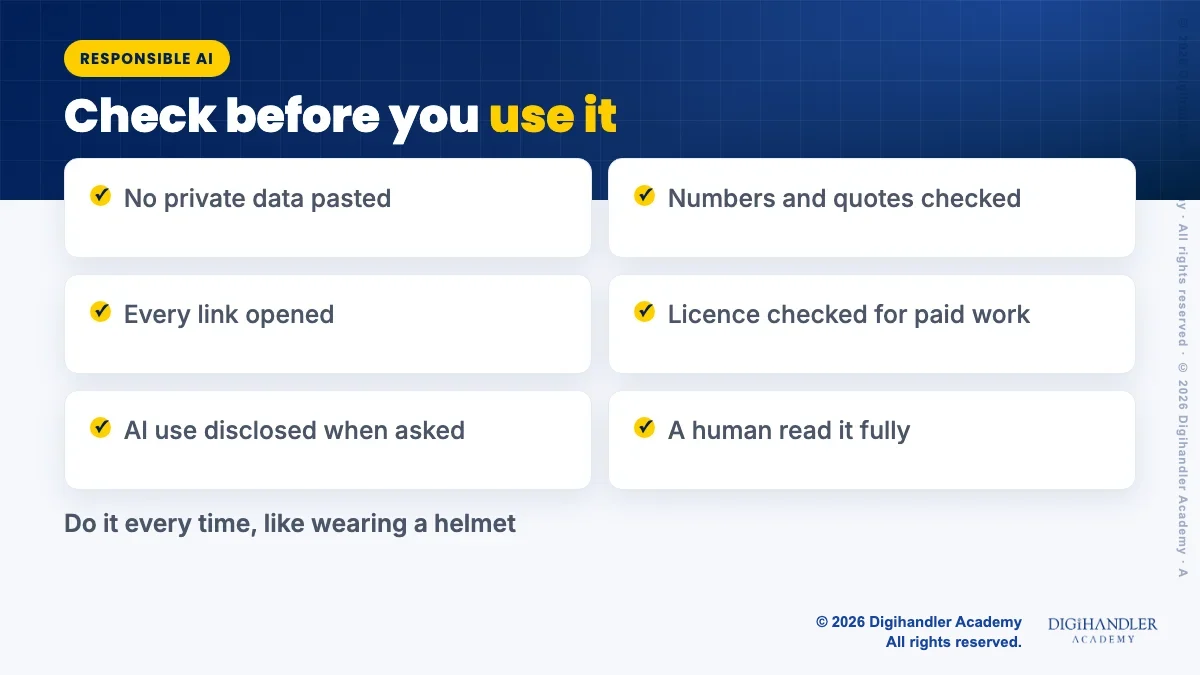
This stage never ends. It is like wearing a helmet. You do it every ride, not once.
Privacy comes first. Do not paste customer phone numbers, Aadhaar details or private client files into an AI tool unless your company allows it. India's Digital Personal Data Protection Act, 2023 makes the handling of personal data a legal matter.
Copyright is next. Check the licence before you use AI images, music or a GitHub repo for paid work. Disclose AI help when a client or platform asks.
Finally, check every output. Open the real source for every number, name, quote and link. Ask the model to quote its source text, and remove any claim it cannot back up.
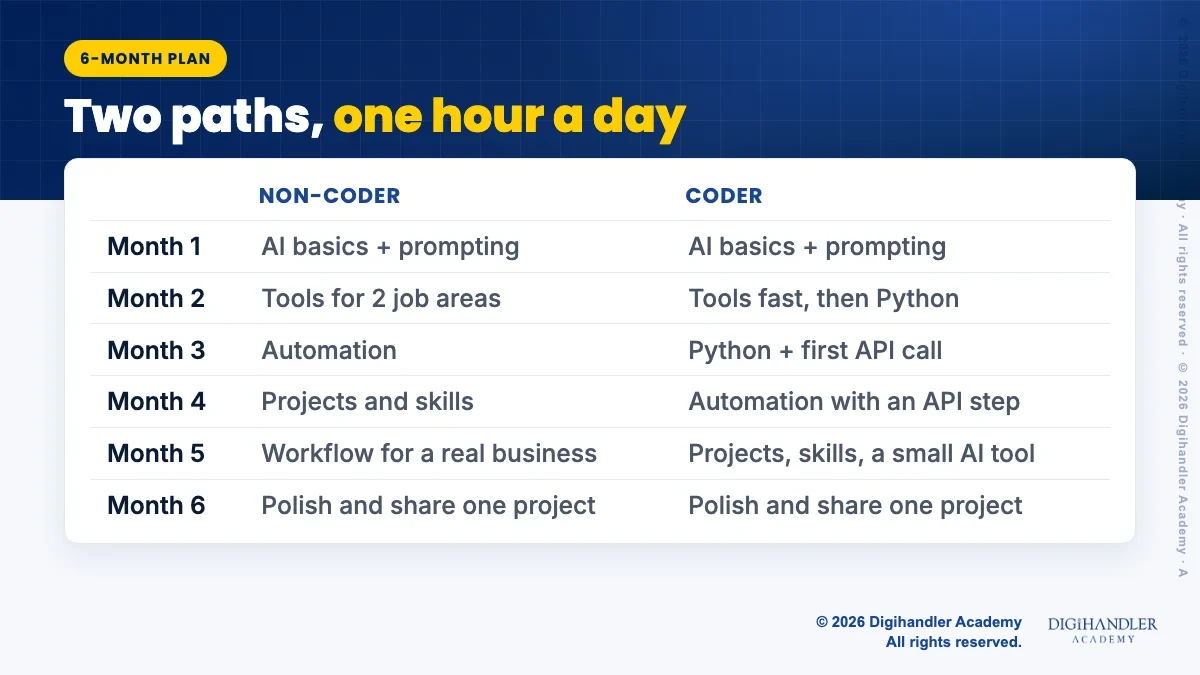
Both paths share Stages 0 to 4 and Stage 6. The difference is Stage 5.
Choose the non-coder path if you work in marketing, sales, teaching, HR, content or video, and want AI to make your current work faster and better. You will go deeper into tools, automation and Projects.
Choose the coder path if you are a BCA, B.Tech or BSc student, or you like logic and want to build small tools. You move faster through the tool stages and spend that time on Python and APIs.
You can switch later. Many people start as non-coders, hit a wall in automation, and then learn just enough Python to get past it.
Here is a month-by-month plan for about one hour a day. Working people can stretch it to eight or nine months. That is fine. Steady beats fast.
Pick one stage you have not started and do its practice task this week. Real practice teaches more than ten more videos.
If you learn better with a trainer and a batch, a free demo class of our AI tools course is one way to try that before you decide. Self-study with the free courses above works too, if you stay consistent.
Either way, be honest about what you can do. A small, real project you can explain beats a long list of tool names on your CV.

Riya writes Digihandler Academy's guides and roadmaps. Every article is fact-checked and reviewed by Lovish Madaan, founder & trainer, who has run the Digihandler agency since 2018. More from Riya →
For most people, about six months of steady practice at one hour a day is enough to use AI well at work. That covers AI basics, prompting, tools for your job, automation, and reusable setups like Projects and skills. If you also learn Python and APIs, add six to eight weeks. Working people with less time can stretch the plan to eight or nine months. The goal is not to know every tool. The goal is to finish real tasks with AI, check the output, and explain clearly what you did.
Yes. Most everyday AI work needs no code at all. You can write and research with Claude, ChatGPT or Gemini, build automations in Zapier, Make or n8n with drag-and-drop steps, and set up Claude Projects for repeat work. Coding becomes useful when you want to process many files at once, call an AI model from your own script, or build a small tool. Many people start without code and learn basic Python later, only when a task needs it. Start with the non-coder path and decide after three months.
Use official, free sources first. Elements of AI, made by the University of Helsinki and MinnaLearn, teaches AI basics without maths or coding. Anthropic Academy offers free courses such as AI Fluency, AI capabilities and limitations, and Introduction to agent skills. n8n runs free courses at learn.n8n.io after registration. For Python, the official tutorial on docs.python.org is free. Pair these with daily practice on real tasks, because watching lessons alone does not build skill. Always check a course's own page for current details.
The first step is AI literacy. Learn what a large language model does: it predicts likely text based on patterns, which is why it can sound confident and still be wrong. Then test this yourself. Ask an AI tool five questions you already know the answers to, about your city, college or job, and mark every mistake. This one exercise teaches you why checking matters. After that, move to prompting, where you learn to give clear context, a task and a format, and to improve answers in rounds.
Using AI well is not hard, but it does take practice. The tools are built for plain language, so you can start the same day. What takes time is judgement: knowing which task suits AI, writing a clear brief, spotting a made-up fact and fixing it. That is why a stage-by-stage plan helps. You build one skill at a time, with one practice task per stage. Coding and building apps are harder, but they are optional, and you can add them later if your work needs them.
Where AI genuinely saves marketers time on real client work, and where it quietly makes things worse.
Read article →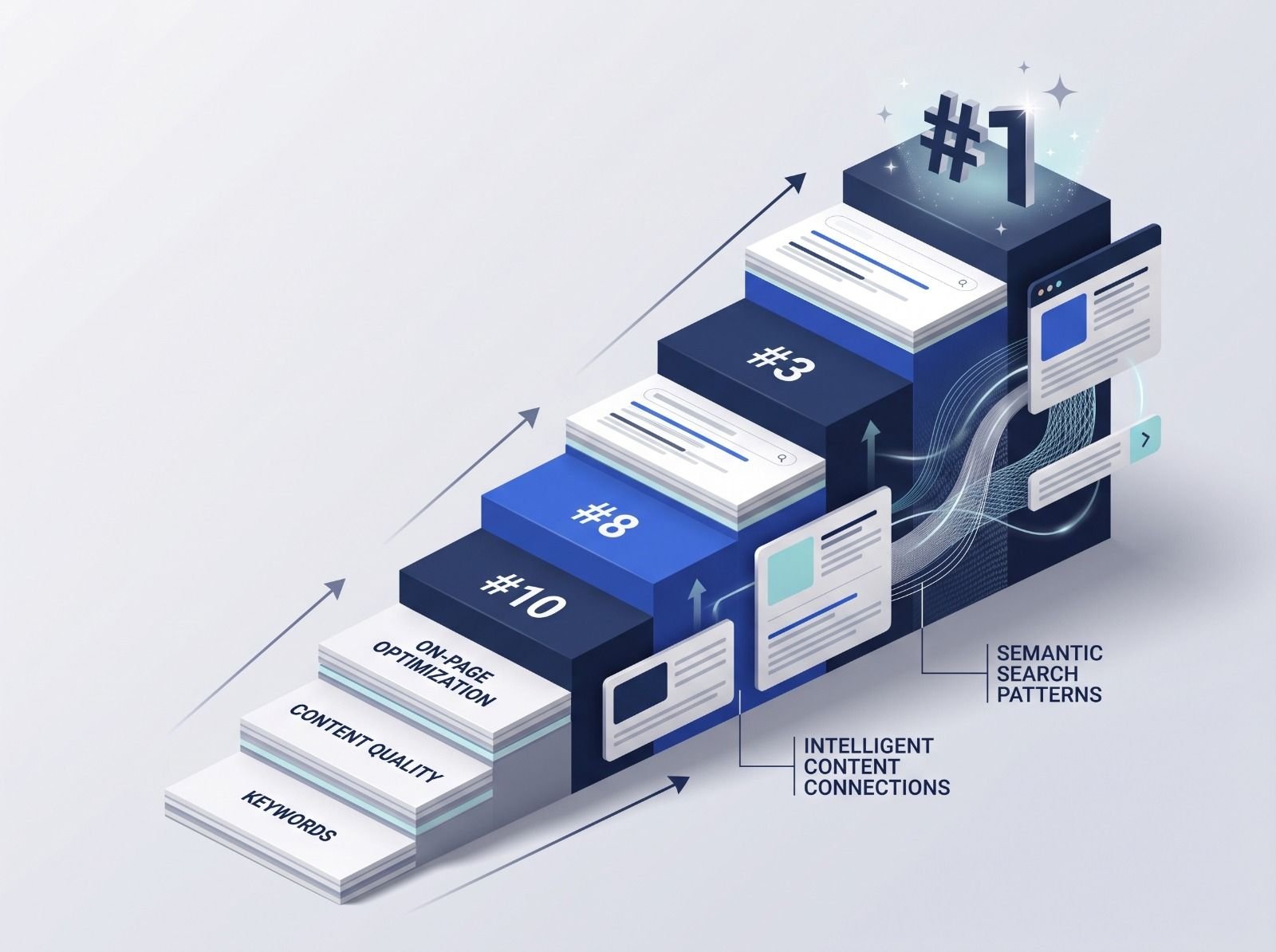
What decides whether an AI assistant quotes your page, and the fixes worth doing first.
Read article →