
AI for small business owners: 7 jobs to hand to AI this week
Most small business owners we meet do not need an AI strategy. They need two hours back every week. The useful way to think about AI for small business is as a fast junior assistant: it drafts quickly, it never gets bored, and it is confidently wrong often enough that someone who knows the business has to read everything before it goes out. Here are seven jobs that suit that arrangement, with what to check on each.
Before you start: give the AI your business, not just the task
The difference between a generic AI reply and a useful one is context. Before asking for anything, write a short note about your business once and keep it in a document you can paste at the top of every chat: what you sell, which town and area you serve, your timings, who your customers are, the languages they use, the tone you want, and the things you never say, such as promising results or quoting prices in public posts.
Most chat assistants also let you save this as custom instructions or a project, so you do not have to paste it each time. A clothing shop in a Haryana town, a physiotherapy clinic and a coaching centre all need different words, and the AI cannot guess which one you are. Ten minutes on this note saves an hour of rewriting later.
Jobs 1 and 2: replying to enquiries and writing Google Business Profile posts
Enquiries arrive on WhatsApp, Instagram and the phone, and many of them ask the same five questions: timings, location, whether you have a product in stock, how to book, and whether you offer a service. Ask the AI to draft a short, polite reply for each common question in English and in simple Hindi or Hinglish. Save them as quick replies in WhatsApp Business. You still personalise each reply, but you are no longer typing the same sentences from scratch.
Google Business Profile posts are one of the most neglected tools a local business has. Give the AI a list of what is new this month (a new stock arrival, a holiday timing change, a workshop, a seasonal service) and ask for short posts with a clear call to action such as call, book or get directions. Post one or two a week. Check that every timing, address detail and offer in the draft is actually true, because AI will happily invent a discount that does not exist.
- Check on enquiry replies — no promises about results, no prices you have not approved, and correct timings and location.
- Check on profile posts — every date, offer and service mentioned is real and current, and the post links to the right action.
Jobs 3 and 4: product descriptions and festival offer creatives
For a shop listing products on a website, Instagram catalogue or marketplace, product descriptions are slow to write and easy to hand over. Give the AI the facts (material, size, colour options, use, care instructions) and ask for a short description in the tone your customers respond to. Never let it fill gaps on its own. If you did not tell it the fabric or the warranty, it may make one up, and that becomes a customer complaint.
Festival offers are where small businesses most often post in a hurry. Use the AI to brainstorm offer wording and headline options for Diwali, Karva Chauth, Holi or the wedding season, then build the creative in a design tool with your own logo, colours and product photos. Keep the offer terms in plain words on the creative itself: what is included, until when, and at which branch. An AI-generated background is fine; an AI-generated version of your product is not, because it will not look like what the customer receives.
Job 5: short video ads from material you already have
Short vertical video is now a standard format on Instagram and Facebook, and most owners already have the raw material on their phone: clips of the shop floor, a doctor explaining a common problem, a teacher in the classroom, a product being unboxed. AI helps in three places. It can write a short script with a hook in the first line, it can generate captions automatically in editing apps, and it can suggest a cut order from a rough transcript.
What it should not do, for a small local business, is replace you with a generated presenter. People in a town buy from people they recognise. Keep your real face, your real premises and your real voice, and use AI for the slow parts around them. Check the auto-captions word by word, especially names, numbers and Hindi words, which speech-to-text tools still get wrong.
Job 6: replying to Google reviews
Replying to every review, good and bad, signals to future customers that someone is paying attention. It is also easy to put off. Paste a batch of reviews into the AI and ask for short, specific replies that thank the person, mention what they mentioned, and avoid copying the same sentence across every reply. Identical replies read as automated, because they are.
Negative reviews need more care. Let the AI draft a calm first version, then rewrite it yourself. Never confirm private details in public, especially for a clinic, where even acknowledging that someone was a patient can be a problem. Offer to take the conversation offline with a phone number or WhatsApp, and do not argue facts in a public reply even when you are right.
Job 7: a weekly content calendar
The hardest part of social media for a busy owner is deciding what to post, not posting it. Once a week, give the AI your business note, what is happening that week (stock, events, festivals, exam season for a coaching centre) and the formats you can realistically make. Ask for a simple plan: one line per day with the idea, the format and the caption hook.
Treat the plan as a menu, not an order. Drop anything you cannot shoot or that does not sound like you, and keep the ideas that answer questions your customers actually ask at the counter. Over a few weeks you will notice which kinds of posts bring enquiries, and you can tell the AI to lean towards those.
What AI will not do for a small business
AI does not know your customers, your stock or your town. It cannot tell you whether an offer is profitable, it does not know that the market road is closed for a fair this week, and it will write a confident sentence about a service you stopped offering last year. Every job on this list ends with a person reading the output before it goes out.
It also will not fix a weak business basic. If the phone is not answered, the location pin is wrong or the product is out of stock, faster content only sends more people into the same problem. Fix the basics first, then use AI to save time on the work around them. That is the approach we teach in the AI tools module, using real local business briefs rather than made-up examples.
Where we teach this
Common questions
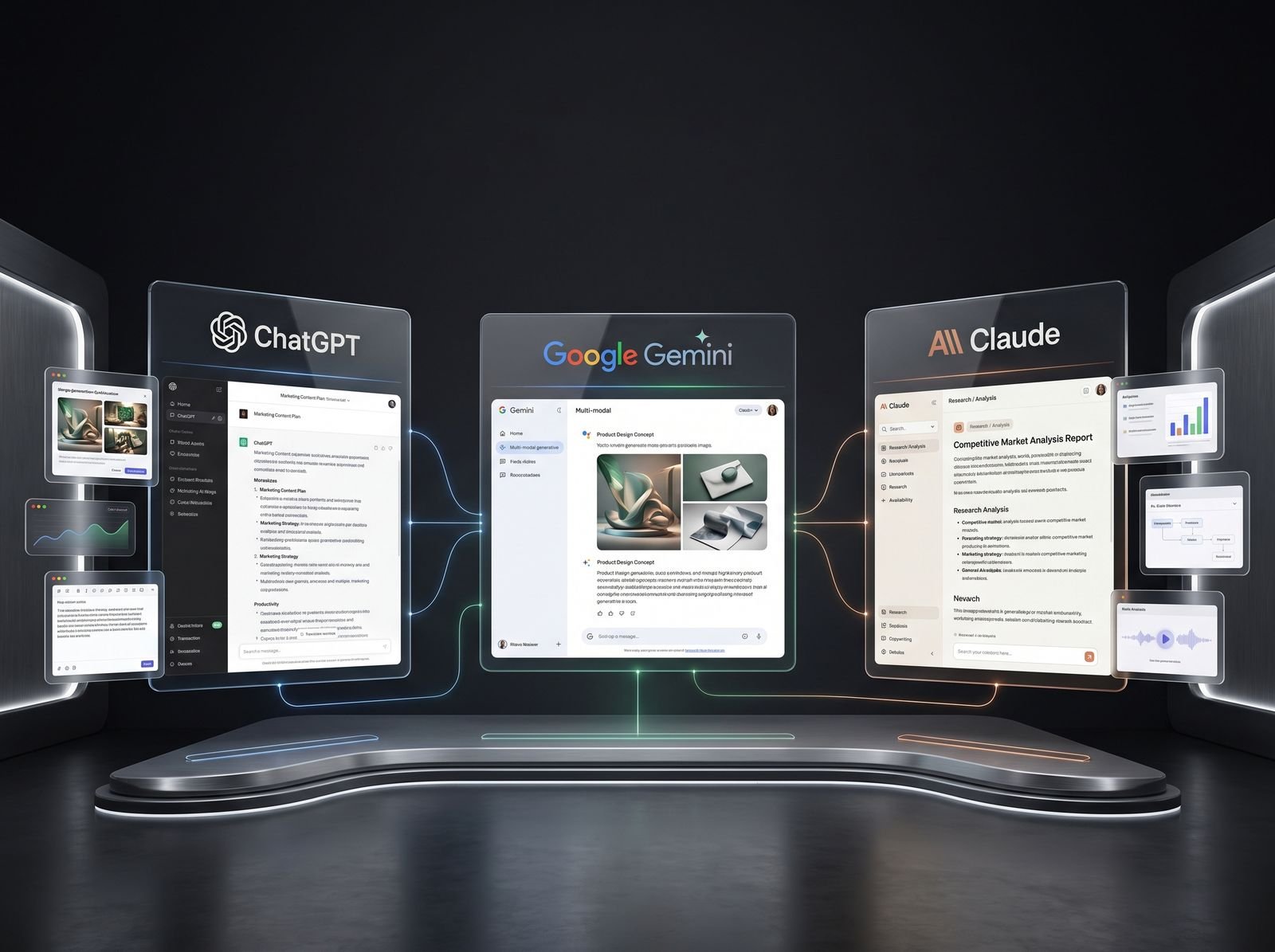
Start with one general chat assistant, such as ChatGPT, Gemini or Claude, and one design tool, such as Canva. Between them they cover most of the jobs a small business needs: replies, posts, descriptions, captions, offer ideas and simple creatives. Learn to give them good context about your business before adding specialist tools. Many owners sign up for five apps, use none of them properly, and conclude that AI does not work, when the real problem was too many tools and too little context.
Avoid it wherever you can. Do not paste customer phone numbers, addresses, medical details or payment information into a general AI chat. When drafting replies, replace names and private details with placeholders and add them back yourself when sending. Clinics and coaching centres should be especially careful, because health information and details about minors are sensitive. Check the privacy settings of the tool you use, including whether your chats are used for training, and switch that off if the option exists.
Customers mind when content feels generic, inaccurate or robotic, not when it was drafted with help. If every reply is identical, or a post promises an offer that does not exist, trust drops quickly. If the reply is specific, correct and sounds like your business, nobody is hurt by the fact that a tool helped draft it. Keep your real photos, your real voice in videos and your own judgement on anything sensitive, and use AI only to speed up the writing.
It depends on how much writing you do now and how well you set it up, so we would not put a number on it. The time saving comes from not starting from a blank page: replies, posts, descriptions and calendars become editing jobs instead of writing jobs. The first week often feels slower because you are writing your business note and learning to prompt. After that, most owners find the routine jobs on this list take noticeably less of their week.
More from the blog
AI SEO: how to get cited inside AI search results
Search is shifting from ten blue links to generated answers. What decides whether an AI assistant quotes your page, and the fixes worth doing first.
The power of a local business listing: the setup checklist we teach
For a shop in Rohtak, a properly set up Google Business Profile out-earns most paid campaigns. The exact checklist, in the order that matters.