
AI course for beginners: what to learn first, and what to skip
Most beginners start learning AI in the wrong order. They jump straight to video generators and automation because those look impressive, get poor results, and decide AI is overrated. In our classes we teach it in a fixed sequence, because each stage depends on the one before it. Here is that sequence, what to skip, and how to tell whether a beginner AI course is worth your time.
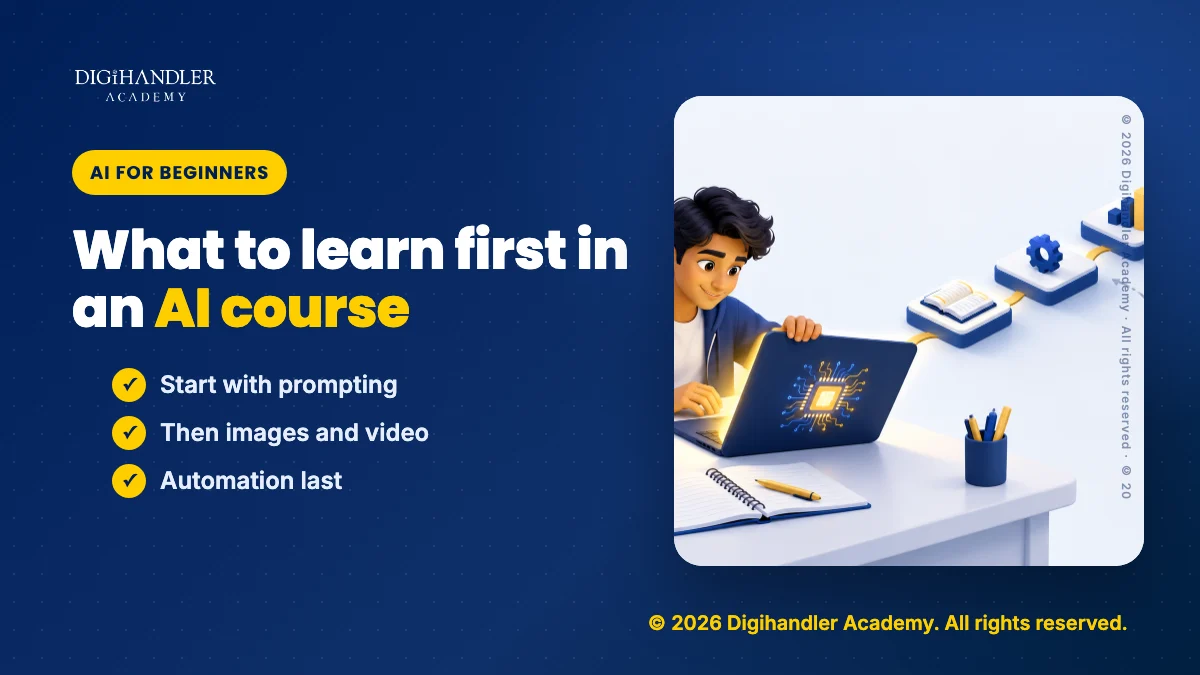
Start with prompting, because everything else depends on it
Every AI tool you will use, whether it writes text, makes images or edits video, takes instructions. If you cannot give a clear instruction, no tool will rescue you. So the first thing a beginner should learn is not a tool at all. It is how to describe a task: who the output is for, what it should contain, what it should look like and what it must avoid.
This is less technical than it sounds. It is closer to briefing a new colleague than to writing code. We start students on ChatGPT, Gemini and Claude side by side, give them the same task, and let them compare what a vague instruction produces against a specific one. That comparison teaches more in an hour than any list of prompt tricks.
Spend your first week here. Write prompts for small real tasks, read the outputs critically, rewrite the prompt, and notice what changed. Once this habit is in place, every later tool becomes easier.
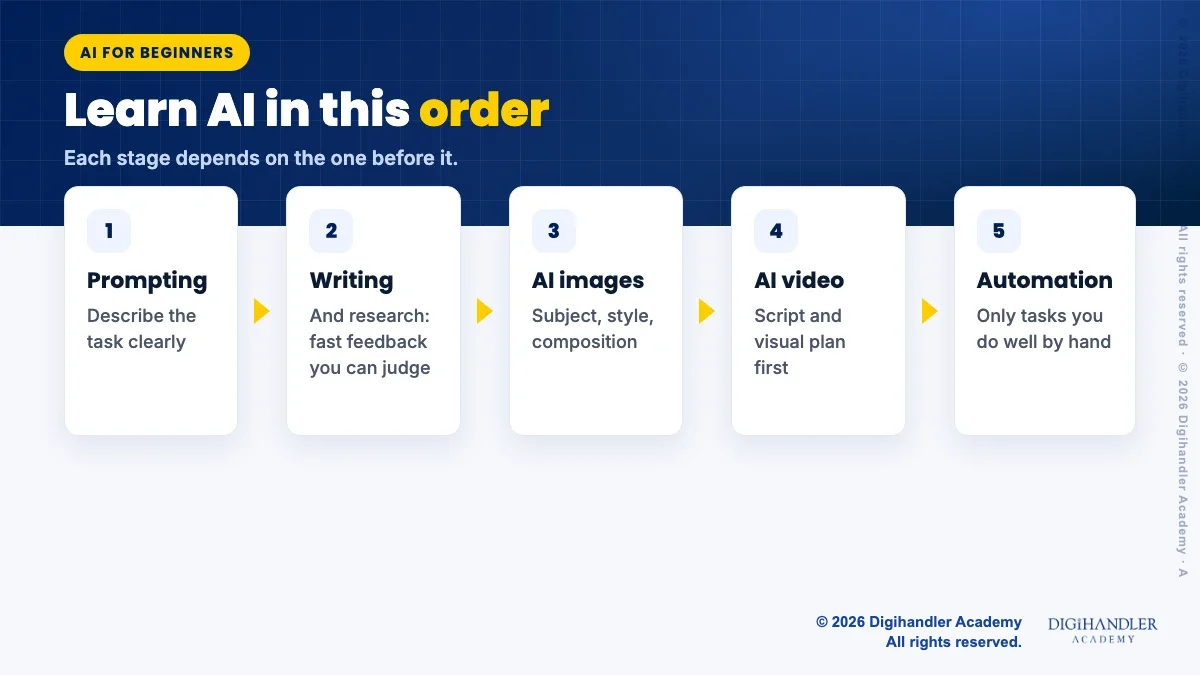
Then AI for writing and research
Writing and research are where AI is most useful day to day and where mistakes are easiest to spot, which makes them the right second step. Drafting captions, emails, blog outlines and ad copy; summarising a long document; turning rough notes into a clear brief. These tasks give you fast feedback because you can read the output and judge it yourself.
Research needs one firm rule from the start: AI tools can state wrong facts confidently. Use them to find angles, structure your thinking and draft questions, then check any fact, figure or claim against a real source before it goes anywhere public. Students who learn this early avoid the most embarrassing AI mistakes later.
- Good beginner tasks: Rewriting a caption in three tones, outlining a blog post, summarising a client brief, drafting a reply to a customer query.
- Tasks to treat with care: Anything with numbers, legal or medical claims, prices, or facts about a real business. Draft with AI, verify yourself.
AI images next, then AI video
Image tools such as Canva AI and Ideogram come third because they reuse the prompting skill in a new form. You now describe subject, style, composition, lighting and text instead of tone and structure. Beginners quickly learn that a good image prompt is specific about what should be in the frame and what should not, and that most images still need editing before they are usable in a post or ad.
Video comes after images for a simple reason: a video is a sequence of images with sound, timing and story added. AI video tools can generate clips, add captions, clean up audio and speed up editing, but the results depend on a clear script and a clear visual plan. Without those, you get attractive footage that says nothing. With them, the tools save real hours.
Be realistic about video. Current AI video tools are useful for short clips, b-roll, captions and edits, but they still produce glitches and inconsistent faces or hands. Learn where they help and where filming something real is still faster and more convincing.
Automation last, once you know what to automate
Automation means connecting tools so a task runs with less manual work: a form entry that triggers a drafted reply, a content calendar that feeds a scheduling tool, a weekly report assembled from several sources. It is genuinely useful, and it is the wrong place to start.
You can only automate a task you already know how to do well by hand. If your prompts are weak, automating them just produces weak output faster and at larger scale. Beginners who leave automation until they have done a task manually a few dozen times build workflows that actually hold up.
What is hype, and what you can skip
A lot of beginner AI content online is built to get clicks rather than to teach. Long lists of “100 tools you need” are mostly noise; a handful of well-understood tools will cover most marketing work. Secret prompt formulas sold as shortcuts are rarely more than the basic principles of clear instructions dressed up.
You can also skip, at least at the start, anything that requires coding, training your own models or deep technical theory. Those are real fields, but they are not what a beginner needs to use AI productively in marketing, content or business work. And be wary of anyone who says AI will do your whole job for you. In our experience it does the first draft well and the final judgement poorly.
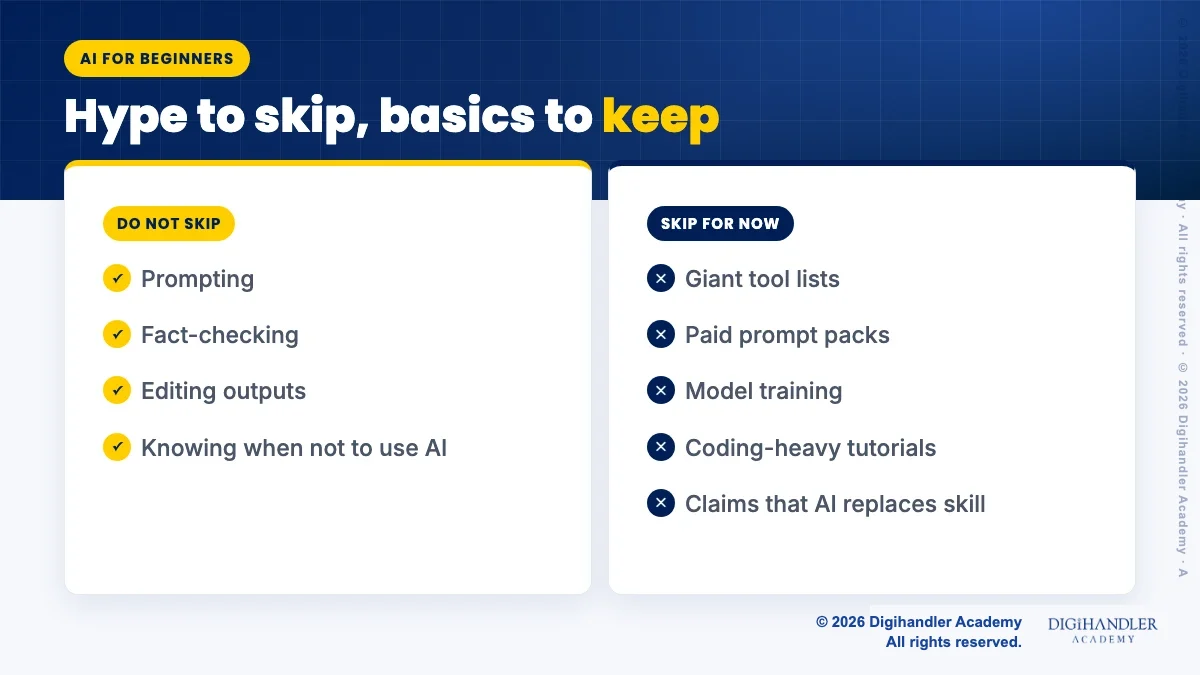
- Skip for now: Giant tool lists, paid prompt packs, model training, coding-heavy tutorials, claims that AI replaces skill.
- Do not skip: Prompting, fact-checking, editing outputs, and knowing when not to use AI at all.
How to practise on real tasks, not toy examples
The fastest way to learn AI is to use it on work that matters to you. If you run a shop, write this week’s posts with it. If you are a student, use it to plan a portfolio project. If you work in an office, use it on the reports and emails you already have to write. Real tasks force you to judge quality, because you will actually use the result.
Keep a simple prompt log: the task, the prompt you wrote, what was wrong with the output, and the improved prompt. After a few weeks, that log becomes your personal template library and shows you exactly how your instructions have improved.
What a good beginner AI course should include
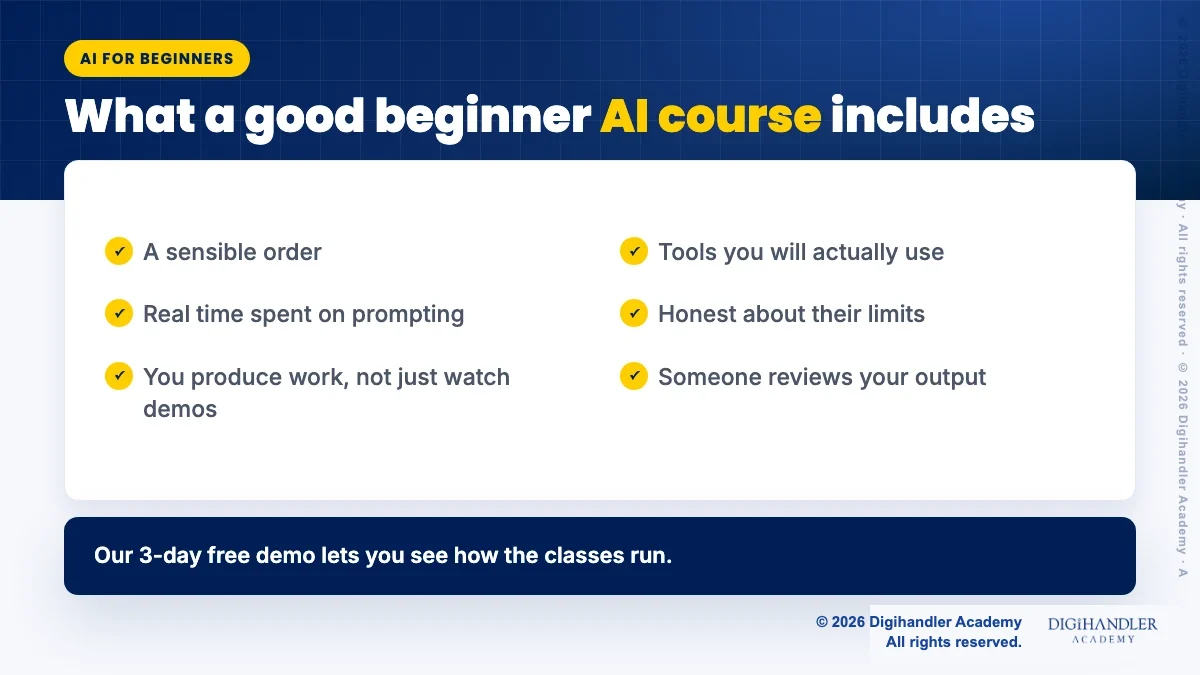
A beginner AI course should follow a sensible order, spend real time on prompting, and make you produce work rather than watch demonstrations. It should teach tools you will actually use, explain their limits honestly, and have someone review your output and tell you what to fix.
At Digihandler Academy, AI runs through our 6-month AI-Powered Digital Marketing Course, across 44 modules in six tracks, with students applying ChatGPT, Gemini, Claude, Canva AI, Ideogram and AI video tools to live client projects. If you want a shorter starting point, a masterclass is a reasonable way to test whether you like the work before committing to longer study, and our 3-day free demo lets you see how the classes run.

Riya writes Digihandler Academy's guides and roadmaps. Every article is fact-checked and reviewed by Lovish Madaan, founder & trainer, who has run the Digihandler agency since 2018. More from Riya →
Where we teach this
Common questions
Learn prompting first. Every AI tool, whether it writes text, makes images or edits video, works from your instructions, so the ability to describe a task clearly is the foundation for everything else. A good prompt says who the output is for, what it must contain, what format it should take and what to avoid. After prompting, move to writing and research, then images, then video, and leave automation until you can already do the task well by hand.
No. For marketing, content and everyday business work, the AI tools beginners use, such as ChatGPT, Gemini, Claude, Canva AI and Ideogram, work through plain-language instructions. Coding becomes relevant only if you want to build your own AI applications or train models, which is a separate field. Most beginners get far more value from learning to write clear prompts, check outputs for errors and edit results properly than from any technical background.
It depends on how often you practise and on what. Basic comfort with prompting can come within a few weeks of daily use on real tasks. Becoming reliably good across writing, images and video takes longer, because each needs its own judgement about quality. The honest answer is that comfort comes from volume of real work reviewed by someone more experienced, not from the number of videos watched or tools signed up for.
Long lists of tools you supposedly must use, paid packs of secret prompts, and claims that AI will do an entire job for you are mostly hype. A small set of well-understood tools covers most marketing work, and good prompting rests on simple principles rather than secret formulas. AI is strong at first drafts and variations and weak at final judgement, fact accuracy and understanding a specific business, so human review remains essential.
More from the blog
AI SEO: how to get cited inside AI search results
Search is shifting from ten blue links to generated answers. What decides whether an AI assistant quotes your page, and the fixes worth doing first.
The power of a local business listing: the setup checklist we teach
For a shop in Rohtak, a properly set up Google Business Profile out-earns most paid campaigns. The exact checklist, in the order that matters.